
Download Erase Temp – delete temp files, free up disk space, clean computer, temporary file remover, disk cleanup tool
Overview
Erase Temp is a utility application designed to help users reclaim disk space by removing temporary files from their Windows system. The app addresses the common issue of storage bloat caused by accumulated temporary data generated by operating systems, installed software, and web browsers. By targeting non-essential files that are no longer needed, Erase Temp supports long-term system efficiency and performance optimization. It is particularly beneficial for users managing older or low-capacity drives where every megabyte counts.
Target users include individuals seeking a no-frills solution for routine disk maintenance, as well as non-technical users who want to keep their computers running smoothly without deep system knowledge. The application is especially useful for those who do not regularly use built-in cleanup tools or prefer a dedicated, focused utility. Its simplicity makes it suitable for students, remote workers, and home users who rely on their computers for daily tasks.
The developer, Erase Temp, has not provided additional background information. However, the app’s long-standing presence since its release on April 13, 2015, suggests a stable and reliable tool within the utilities category. It functions as a lightweight complement to existing system tools, offering a straightforward alternative for users who value transparency and control over their storage.
Key Features & Functionality
- Simple User Interface: The application features an intuitive layout that allows users to initiate the cleaning process with minimal effort. A single double-click is sufficient to start the scan and deletion process, eliminating the need for complex configurations or technical setup.
- Space Recovery: Erase Temp focuses exclusively on temporary files that accumulate over time, such as cache data, log files, and browser temporary content. Removing these files can free up significant storage space—potentially several gigabytes—depending on usage patterns and system age.
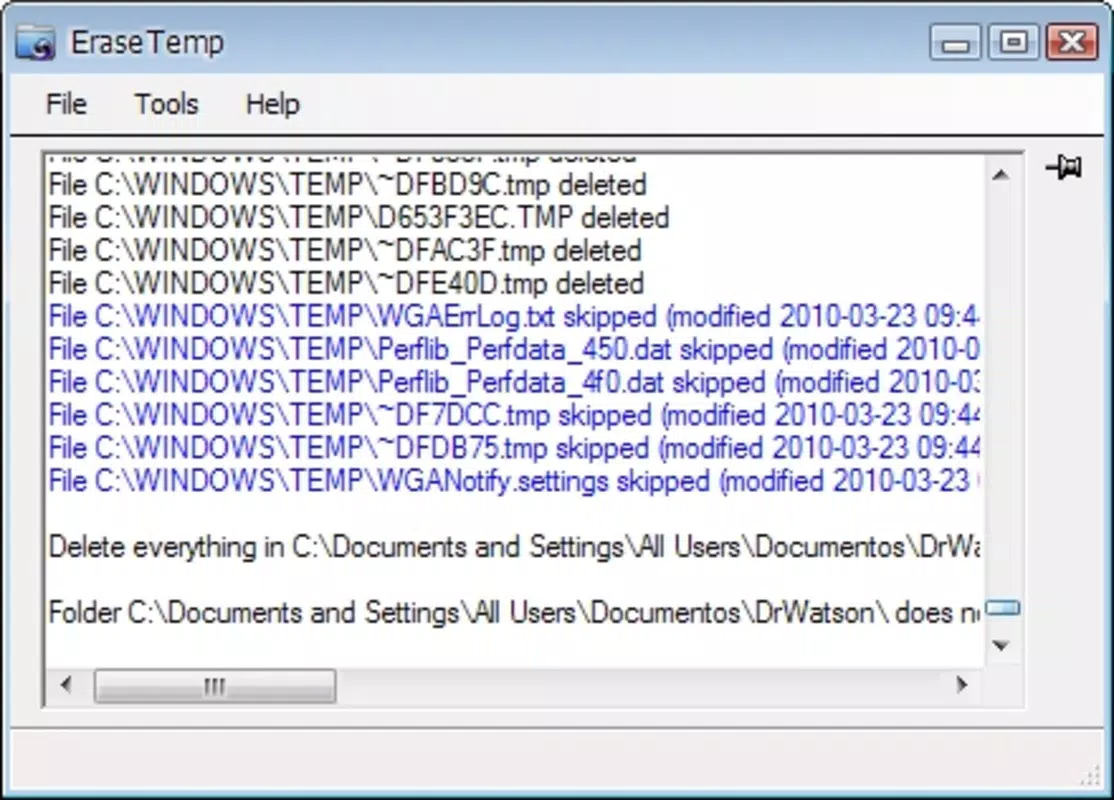
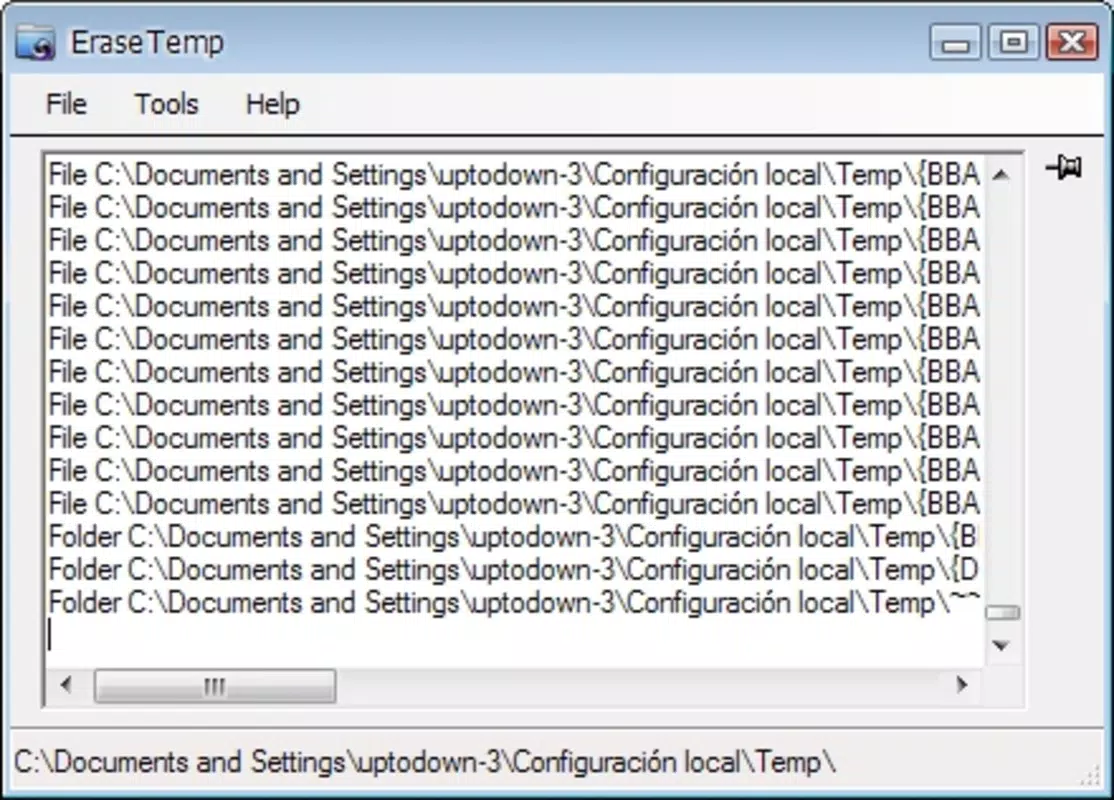
- Detailed Reporting: After the cleanup, the app generates a comprehensive report listing the files and folders removed, along with the total size of reclaimed space. This feature enhances user transparency and provides tangible evidence of the app’s impact.
- Safe Deletion Process: The tool is designed to identify and remove only outdated or obsolete temporary files. It avoids targeting active system files or user data, reducing the risk of unintended consequences during cleanup.
- Regular Usage Recommended: The developer suggests using the tool periodically to maintain optimal drive performance. This proactive approach helps prevent long-term buildup of unnecessary files, supporting consistent system responsiveness.
For example, a user with a 128 GB SSD who has not performed a disk cleanup in months may recover over 1 GB of space after a single run. Similarly, a student working on large projects may benefit from freeing up space to accommodate new files without upgrading storage.
Interface, UX & Performance
Erase Temp presents a clean, minimal interface focused on core functionality. The layout is straightforward, with a central button to initiate the scan and deletion process. Navigation is limited to this primary action, which aligns with the app’s purpose as a single-function utility.
Visual design is functional rather than decorative, prioritizing clarity and ease of use. There are no distracting animations or complex menus, which contributes to a fast startup time and low resource consumption. The application does not require elevated permissions for standard operation, enhancing accessibility for general users.
Although the developer did not list formal performance metrics, the app’s small file size of 2.7 MB suggests efficient execution. It runs without noticeable impact on system performance during operation. The app is stable during typical use, with no reported crashes or errors in the provided information.
Users can expect consistent responsiveness across different device categories, including older systems with limited processing power. The lightweight nature ensures compatibility with a broad range of Windows environments, from low-end laptops to modern desktops.
Platform Compatibility & Technical Requirements
Erase Temp is designed for the Windows platform and is compatible with Windows operating systems. The specific version and minimum OS requirements were not listed by the developer. However, given the app’s release date in 2015 and its lightweight nature, it is likely compatible with Windows 7 and later versions.
The application has a file size of 2.7 MB, which makes it easy to download and install even on slow internet connections. It does not require significant system resources, making it suitable for use on systems with limited RAM or storage.
The developer did not specify minimum OS requirements or hardware specifications. Users should ensure their system meets standard Windows compatibility standards. Compatibility information was not fully disclosed.
Pros and Cons
Pros
- Lightweight application with minimal system impact
- Simple, intuitive interface suitable for all user levels
- Provides detailed reports on deleted files and reclaimed space
- Safe deletion process that avoids critical system files
- Free to use with no hidden costs or ads
Cons
- No official updates or release notes since 2015
- Developer did not provide technical specifications or compatibility details
- Limited functionality focused only on temporary file removal
- No scheduled cleanup or automation features
- No support for other operating systems like macOS or Linux
FAQ
Is Erase Temp safe to use?
Yes, the app is designed to remove only outdated temporary files and avoids deleting essential system or user data. It does not modify core system files, minimizing the risk of instability.
Can I use Erase Temp on older Windows systems?
While the developer did not specify compatibility details, the app’s small size and release date suggest it may work on Windows 7 and later. Users should test it on their system to confirm functionality.
Does Erase Temp require administrative privileges?
Based on available information, the app operates without requiring elevated permissions for standard cleanup tasks. However, some temporary files may require admin rights to access, depending on the system configuration.
Is Erase Temp available for Android or iOS?
No, the app is designed exclusively for Windows. There is no official version available for Android or iOS devices.
How often should I run Erase Temp?
The developer recommends regular use to maintain optimal disk performance. Users may consider running it monthly or after installing new software to prevent temporary file buildup.
Final Thoughts
Erase Temp remains a reliable, no-nonsense tool for users seeking to free up disk space on their Windows devices. Its focused approach, simple interface, and safe deletion process make it a valuable addition to any system maintenance routine. While it lacks modern features like automation or scheduled cleaning, its core function is executed efficiently and transparently.
For individuals who value minimalism, security, and direct results, Erase Temp delivers consistent value without complexity. It is particularly well-suited for users managing older hardware or limited storage, where every megabyte matters.
Despite its age and lack of recent updates, the app continues to serve its intended purpose effectively. With no cost and a proven track record, it remains a trustworthy option for routine disk cleanup.
Download Erase Temp now


